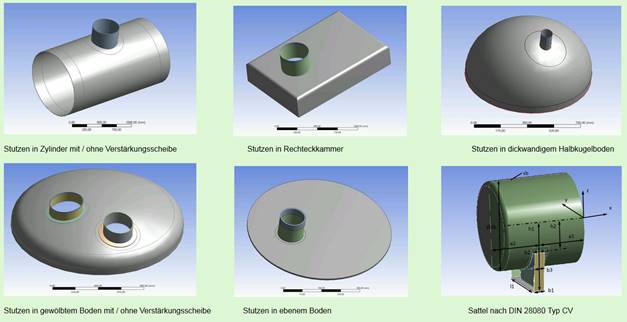
Execution of a FE calculation with LV-ANSYS
· Customer account with Lauterbach Verfahrenstechnik GmbH
· Internet connection
· Microsoft Excel Version 2010
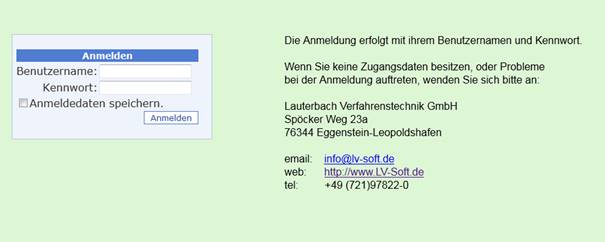
You can log in to the online portal using your username and password, which you have received from LV.
The login data can be saved for a simplified login. It may be necessary to adjust the security settings of the Internet browser used for this purpose.
This page lists the available FE models.
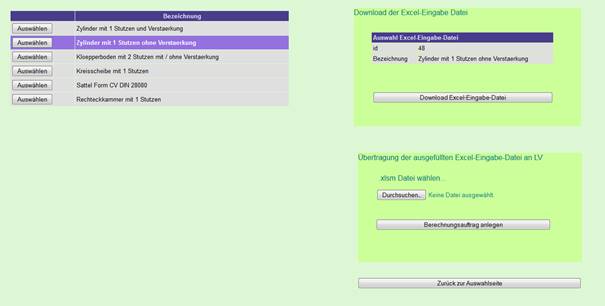
For example, the model 'Cylinder with 1 nozzle without reinforcement' is selected.
Clicking the Download Excel input file button will start the download.
The downloaded file can be saved on the PC in an individual folder.
e.g. C:\Projects\FE-Calculation\cylinder with nozzle\
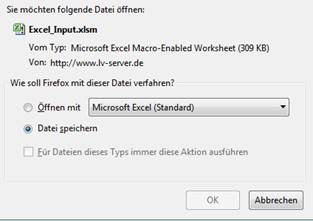
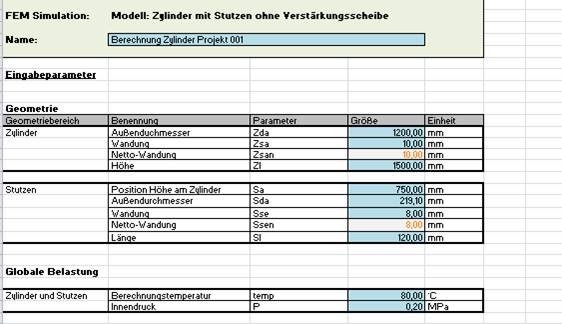
Open the downloaded Excel file and fill in the input sizes.
When opening the Excel file, you will be asked if you want to activate the editing. This activation is required for further editing.
e.g.: with Microsoft Excel 20120 the following message appears:

You get the following Excel input mask and can enter the calculation values.
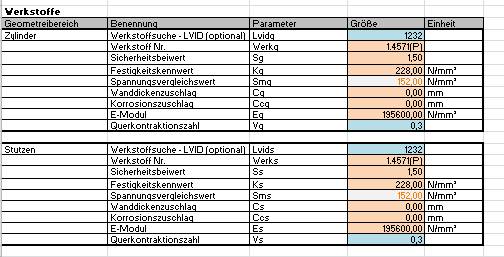
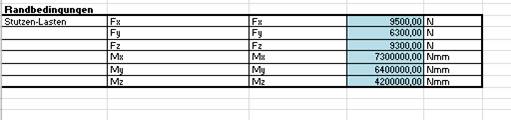
The LV material server is available for simplified input of material properties.
Enter the material designation or the LV material ID in the Material search field.
Activate the material server by 'Start material server'.

The material properties are entered.

When all input fields are filled in (blue and orange marked fields) the input file necessary for the FE calculation can be created.

An input file is now created in the Excel file's storage folder.
The file name of this file starts with 'LV_ANSYS_' and has the extension '.xlsm'.

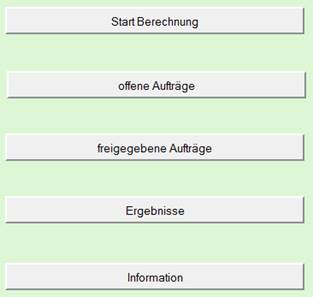
Now this file can be transferred to the online portal. (Main menu (Online Portal)-> 'Start Calculation')
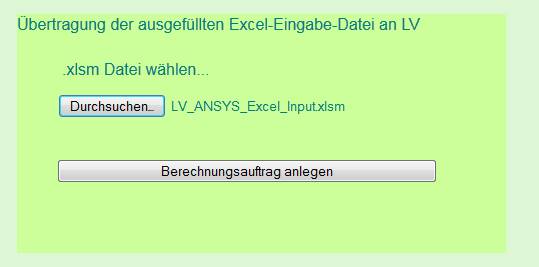
With 'Browse...' the corresponding file can be selected.
With 'Create calculation order' the input data are transferred to the system.
The existing calculation orders can be viewed in the main menu under 'open orders'.
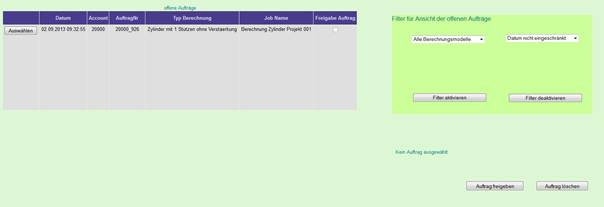
Release order for calculation:
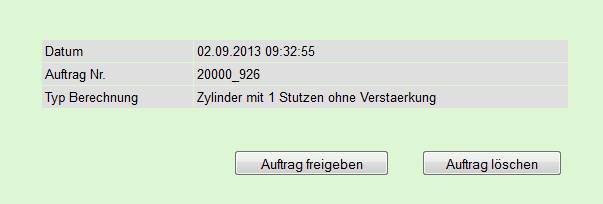
By 'Selecting' the corresponding order and subsequent confirmation by 'Release order' the calculation is transferred to the calculation system and is in process.
Under the main menu item 'released orders' the status of the calculations can be tracked. The results are available as soon as the calculation status has reached 100%. Depending on the complexity of the calculation model, the calculation can take up to 20 minutes. The incoming orders are processed as quickly as possible according to the available computing capacity.

The results of the FE calculations can be called up under the main menu item 'Results'.

'Select' the corresponding calculation and run it by 'Show results'.
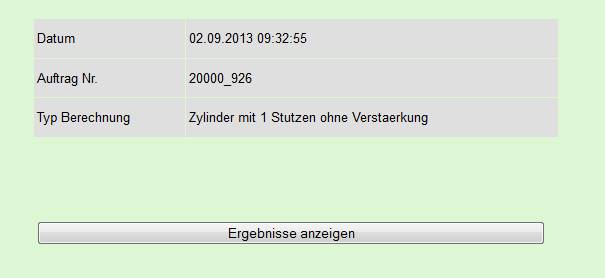
The download of the 'Excel result file' as well as the download of a 'Vrml file' is now offered.
By downloading the 'Excel result file', the results can be saved on the PC. For documentation purposes, the Excel file can be customized and printed.

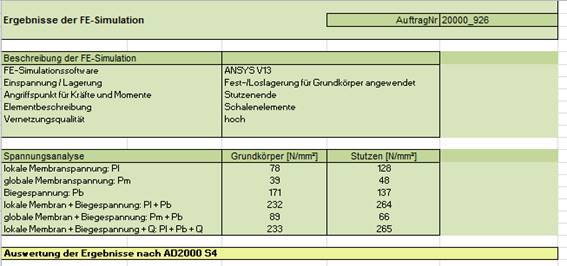
The result file contains a detailed documentation of the results as well as the documentation of the stresses by means of images with representations of the meshing, occurring stresses and deformations.
The availability of a Vrml file depends on the complexity of the calculation model.
The Vrml file is therefore an additional offer that is available if the calculation model allows it.
The download of a vrml file is done as a zip file.
The zip file contains a file with the extension .wrl


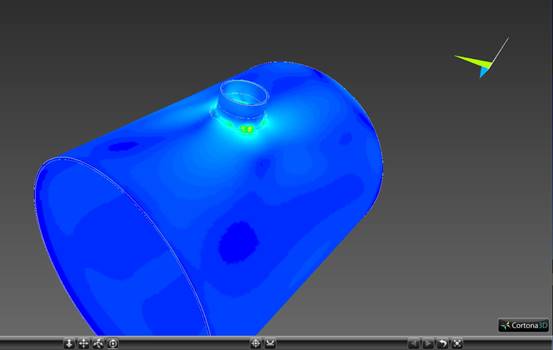
The .wrl file can be opened e.g. with the free available Cortona3D viewer.
The calculation model can then be viewed individually by the user. (Rotate, Zoom)
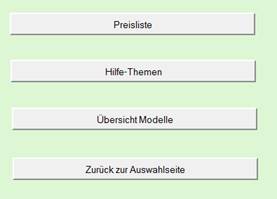
Under the menu item Information you will find a price list for the LV ANSYS Portal, a help for the operation and an overview of the available CAD models.
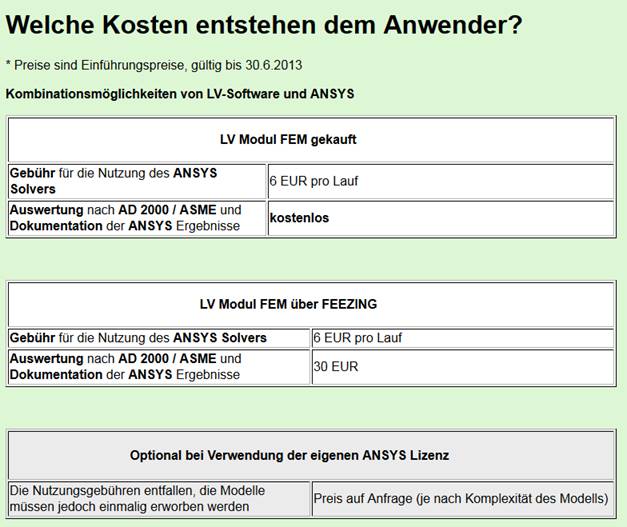
Here you will find information about the costs you will incur.
Here you call the user help.