ASME VIII
As a matter of principle, the modules of the field of stress calculation have a similar range of functions and a similar appearance. Start the strength calculation program.
In the ‚Quickstart menu select “ASME VIII and then UG27 – Thickness of cylindrical shells under internal pressure”
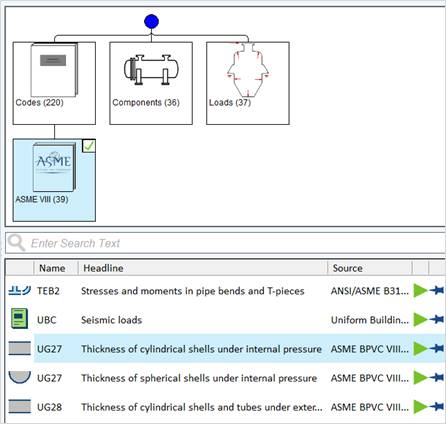
Or use text search and enter UG27

Start the module with a double-click or
simlpy click he green start arrow. 
The PROJECT module starts automatically. The delivery standards are already entered, but you may adjust them individually for every single project.
Specify the calculation code and the regulation for the material definition.
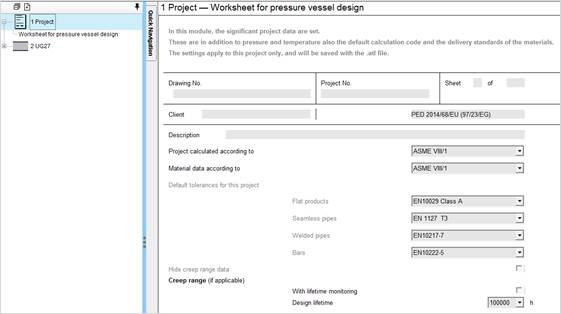
The settings are valid for the current project and are saved with the ATL file.
Enter your design and material data into the input mask. Input values are printed in black and calculated values are printed in blue.
As soon as you enter a value, possible calculations are performed instantly.
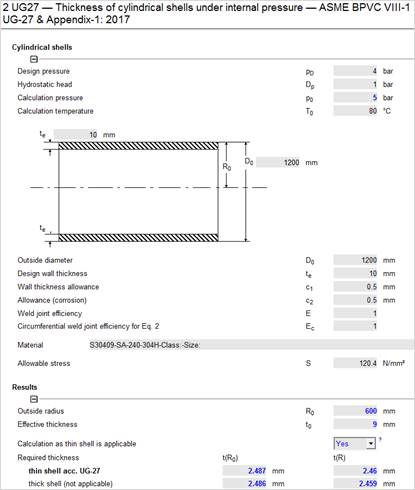
|
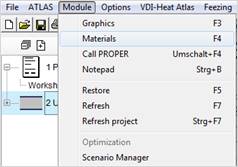
Select ‚Material (F4)‘ in the ‚Module‘ menu or enter the material number (even partially) into the material input field and confirm with OK.
|
|
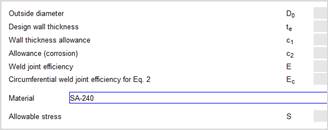
Regulation: ASME Table 1a: 2017
Product : Plate
Specification: SA-240
Material: S30409
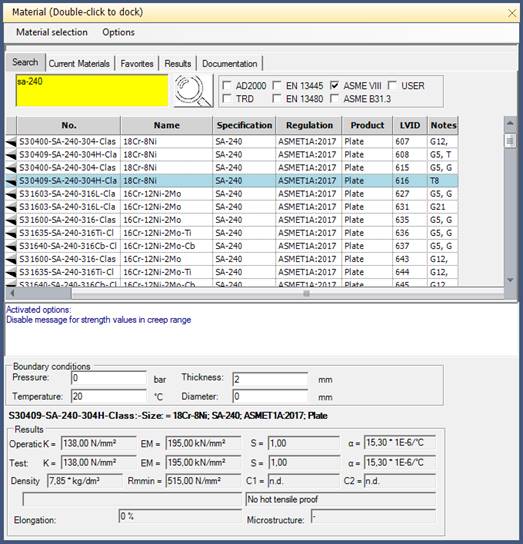
Find the strength characteristics in the lower part of the material server. Select the desired material by double-click. The strength characteristics are transferred to the input mask.
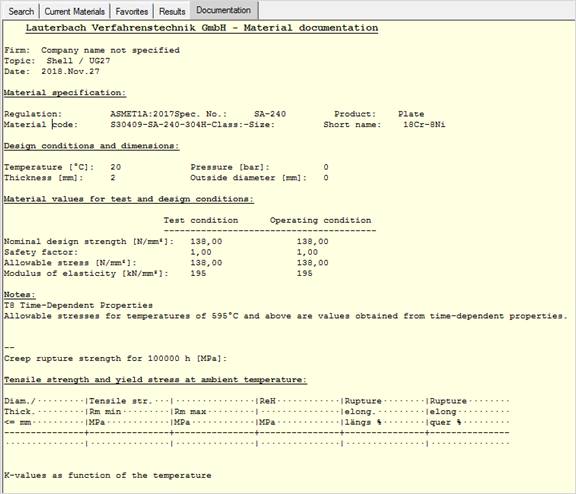
In the Documentation tab you find a detailed material documentation with characteristic values and comments from the according regulations.
Enter the missing data. Each input value leads to possible calculations, which are performed immediately.
If a field has not been calculated, the necessary input values are missing. To find out why the required thickness t has not been calculated, right-click on the the according input field and select ‘Analyse dependence’.
All mathemetically related values are highlighted in different colours.
Turquoise: Influencing variables
Orange: Dependant variables
Yellow: Variable to be analysed
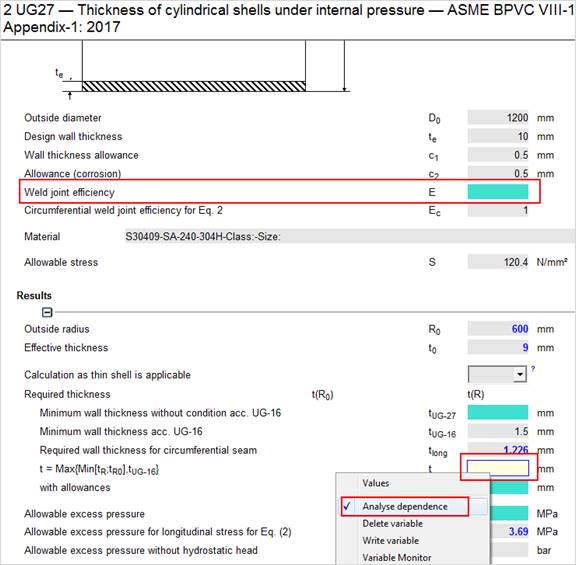
In this case just enter the ‘weld joint efficiency’, then the missing data can be calculated.
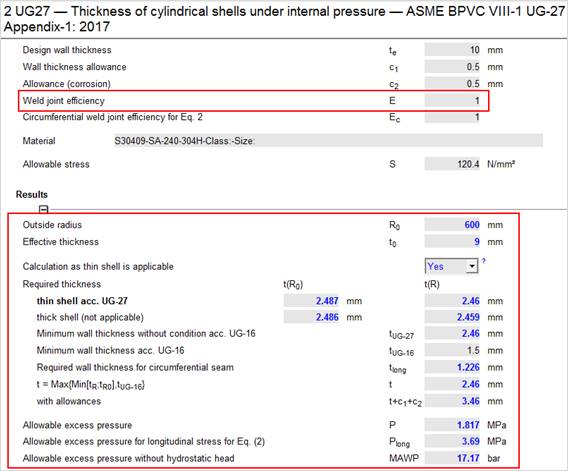
As you know, after input of data the missing values are calculated.
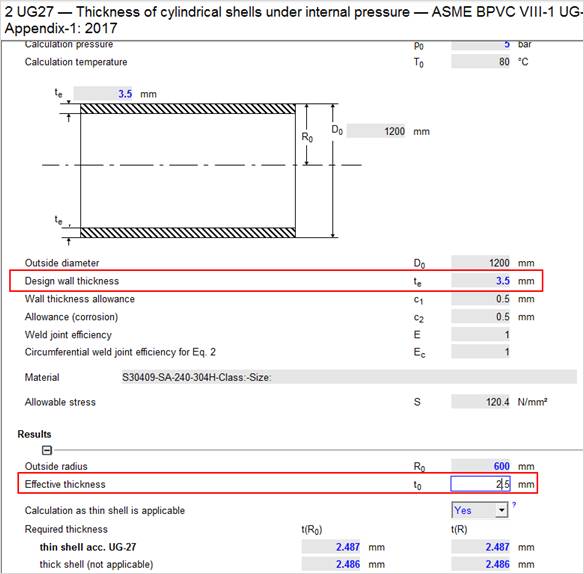
For example, enter the effective wall thickness t0 as a fixed value (1.5 mm). The program is able to calculate back to another value:
Enter the effective wall thickness t0 with a fixed value (2,5 mm). Now the program can reverse calculate on another value: Select the final wall thickness te, to transform this value into a calculated value.
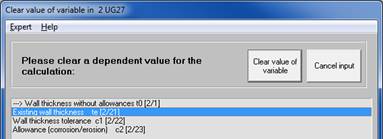
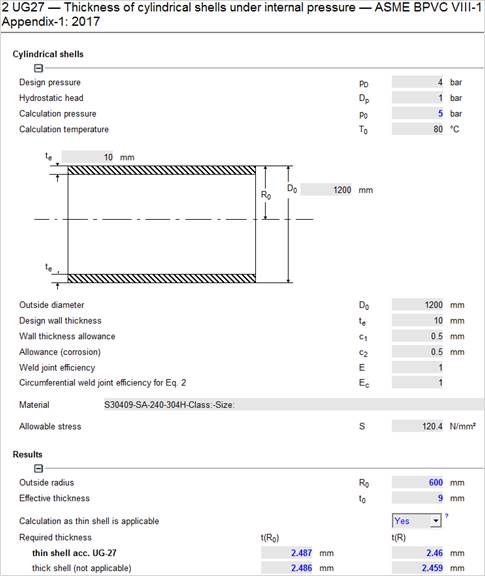
The original input value of the wall thickness will be overwritten with the calculated value:
With the option "Parameter study" in the "Atlas" menu you can determine the effects of one respectively two values on a third value.
Find detailed information in the ATLAS manual.
All the modules of the program system ATLAS are similar in usage and they offer nearly similar options. Often, it is not possible to solve a problem by one module only. Then several modules interchanging information among each other are necessary for solution.
To calculate a head on the cylindricalshell, start the strength calculation program and perform a calculation with the UG27 module as described in the previous chapter:
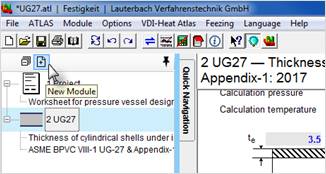
Select a new module from the Project Overview
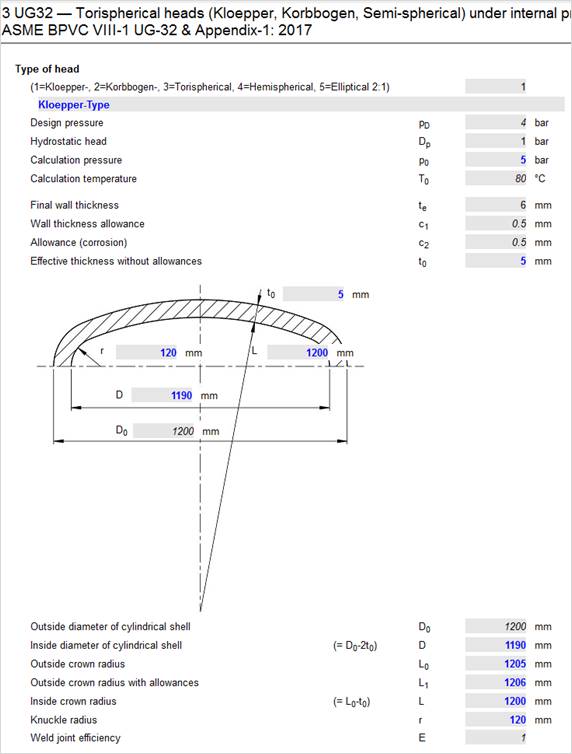
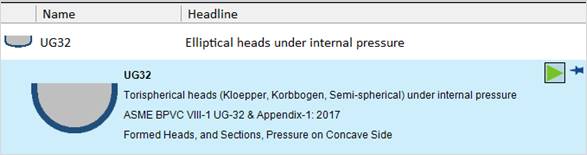
Choose ‘UG32 – Torispherical heads under internal pressure
The UG32 module is now active.
Select "Torispherical Heads (Kloepperboden-type)"
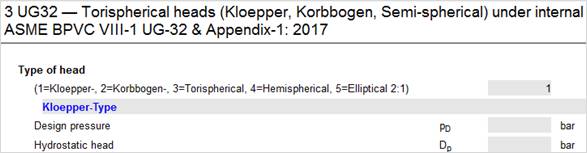
Drag the UG27 symbol from the project overview into the input mask of UG32. All relevant values of the UG27 module are now transferred to the UG32 module and connected to each other.
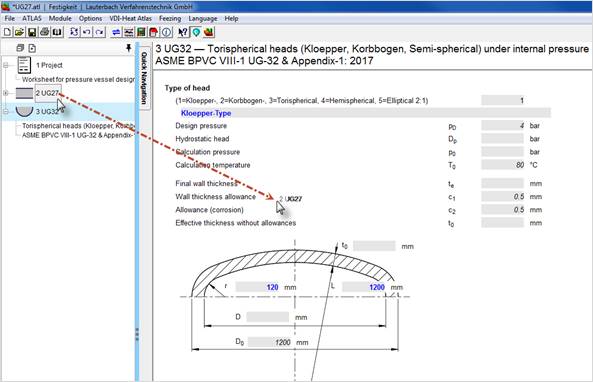
All values of the shell in UG27 are now linked to the values of the UG32 module and are displayed in italics on the mask.
If such a linked variable is changed in one module, the data is automatically transferred to the linked module.
You might add some values that are not linked to finish the calculation.