Program operation
The program serves for calculating the maximum film temperature and the pressure loss in directly-fired thermal oil heaters according German standards, internal company information and published articles on burner geometry and flame patterns.
Start the Thermal Oil Heater Design program BREN via ‚START – COIL – Thermal Oil Heater’.
The BREN module and all further modules can be started by pressing the "Chapter" button in the ATLAS program system or use the New Module button in the Project Overview.
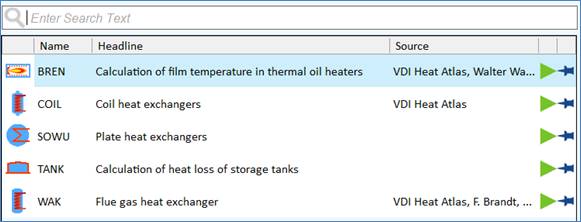
You will receive an overview of modules, Select the BREN module in the tree view:
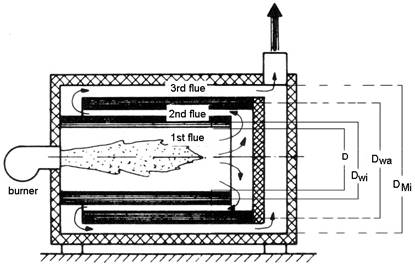
Scheme of a 3-flue thermal oil heater
(Literature: „Wärmeträgertechnik“ W. Wagner)
|
D |
Diameter of furnace |
|
Dwi |
Mean diameter of inner coil |
|
Dwa |
Mean diameter of outer coil |
|
DMi |
Inside diameter of shell |
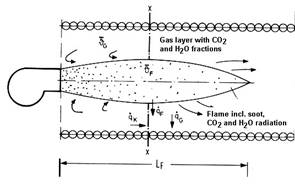
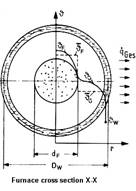
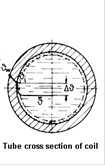
|
JG |
Temperature of gas layer |
|
JF |
Temperature of flame |
|
|
Heat transfer by flame radiation |
|
|
Heat transfer by convection |
|
|
Heat transfer by gas radiation |
|
|
Total heat transfer |
|
LF |
Length of flame |
|
dF |
Diameter of flame |
|
DWi |
Mean diameter of inner coil |


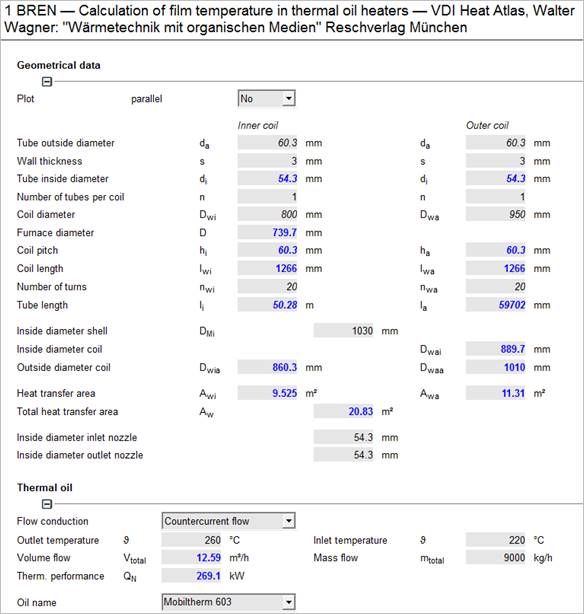
In the picture below you can see the main input mask of the BREN program with all required input and output variables. Enter all known values and BREN will calculate all dependant values.
Click on the selection box in the input mask to select your thermal oil.
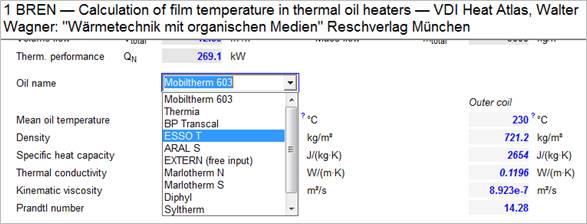
There are several oils in the data base of the BREN program. Additionally you can select thermal oils from the TOIL data base. It is accessible via the option '…from database TOIL'. Thermal oils, which are calculated in the TOIL module, are marked with the supplement (TOIL). (Due to compatibility reasons, some thermal oils might be existent in both data bases).
It is also possible to enter the properties of a thermal oil directly. Select the option 'EXTERN (free input)'. After having entered the inlet and outlet temperatures BREN switches to the input mask for entering the properties. Please enter all data for state 1 and state 2 and BREN will switch back to the main input mask.
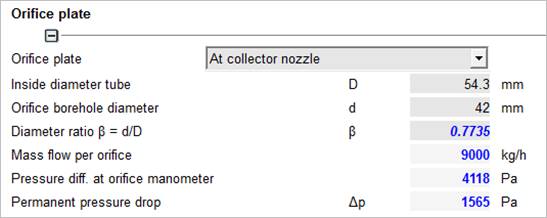
After having entered all geometrical data and the system data (temperatures, mass flow or volume flow) you may select an orifice.
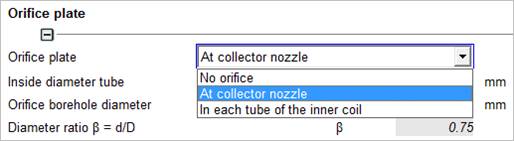
Please specify the type of orifice.
The pressure drop is now calculated in the DROS module and presented on the BREN mask.
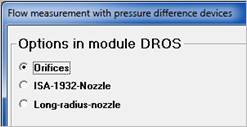
The module has set the bore diameter to a value 0.75 times the inside diameter of tube. If you want to use another value for the bore diameter, simply overwrite it in the input mask of the BREN module.
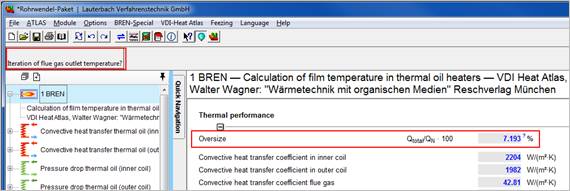
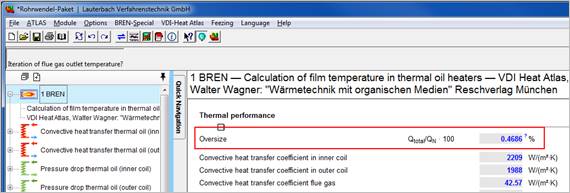
The option 'Iteration of flue gas outlet temperature' lets you calculate the outlet temperature of the flue gas and the amount of flue gas at given geometrical dimensions and heat transfer to achieve an oversize of less than +/- 0.5 %.
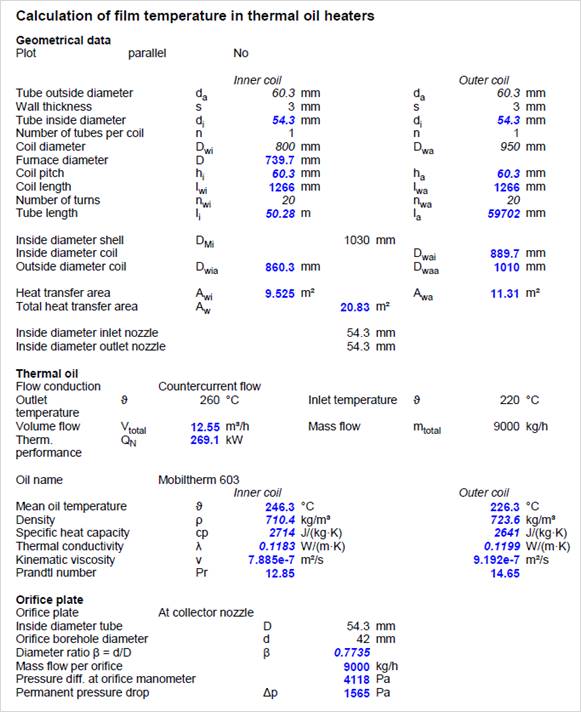
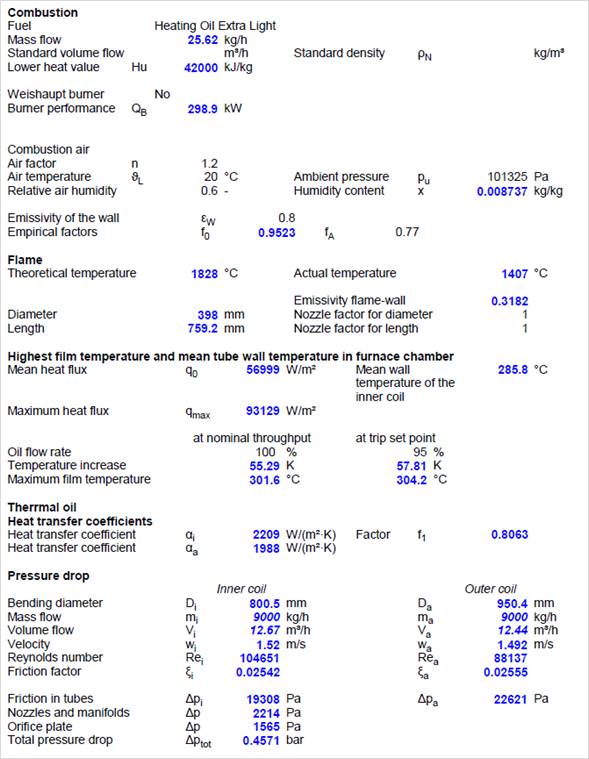
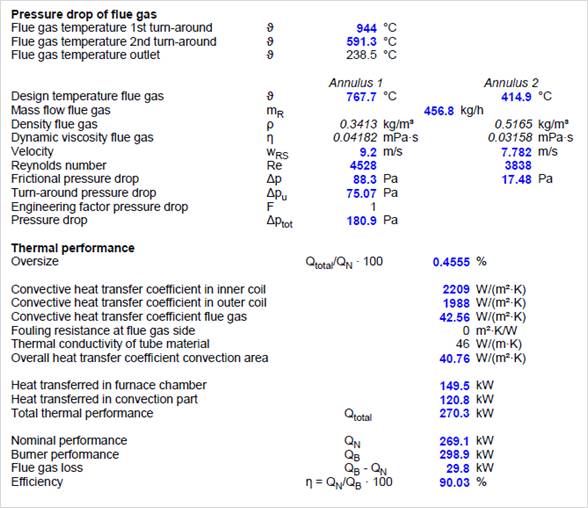
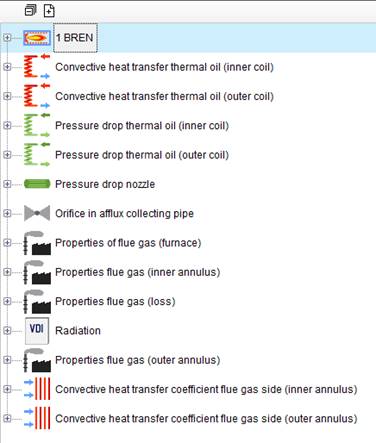
The individual modules perform detailed calculations. In the project overview, you can switch to every single module. All detailed calculations can be printed with the project.