AD 2000
As a matter of principle, the modules of the field of stress calculation have a similar range of functions and a similar appearance. However, these modules have been expanded by the option "Material" in the "Module" menu. To get to know this option start the strength calculation program
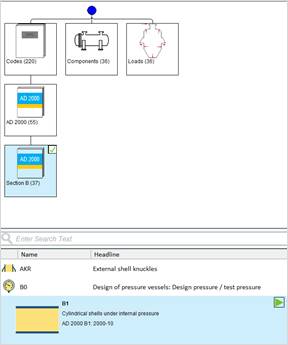
In the Quickstart menu select Codes – AD 2000 – Section B and then “B1- Cylindrical shells under internal pressure“
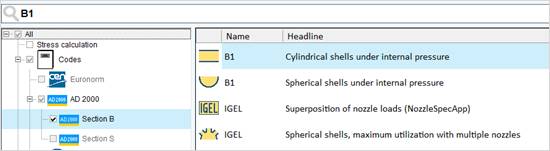
Or enter ‘B1’ in the text search.
Start the module by double-click or simply
click he green start arrow. 
The PROJECT module starts automatically. The delivery standards are already entered, but you may adjust them individually for every single project.
Specify the calculation code and the regulation for the material definition.
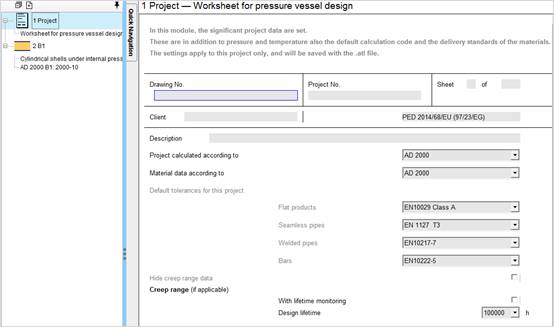
The settings are valid for the current project and are saved with the ATL file.
In the input mask enter the design and material data. The input values are displayed in normal types and the values calculated by the program are displayed in bold and blue. After a value has been entered the program starts calculating immediately.
After input of "Outside diameter" and "Actual wall thickness" the "Inside diameter" and the "Ratio Da/Di" can be calculated (as shown in the picture).
|
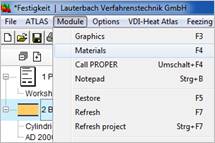
In the menu "Module" select the option "Material (F4)" or enter the given material ID (also only partially ) into the Material input field and confirm with OK. Regulation: AD W1 Product: Blech/Plate Spec. No.: EN 10028-2 Material code: 1.0425 |
|
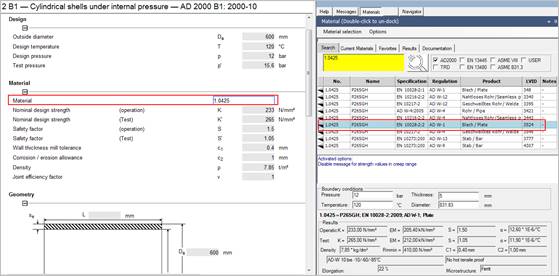
The material characteristics you will find in the lower part of the mask under Results. Select the desired material by double-click. The strength characteristics are transferred to the input mask.
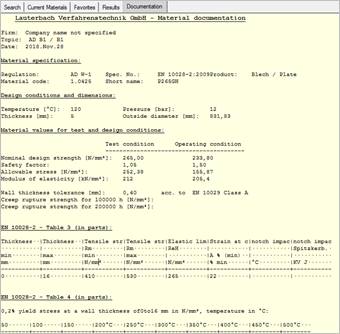
In the Documentation tab you find a detailed material documentation with characteristic values and comments from the according regulations.
Enter the remaining data necessary for calculation. With these input data, the missing values are calculated.
If a field has not been calculated, the necessary input values are missing. To find out why the wall thickness sB has not been calculated click the corresponding field.
Under "Options" and "Analyse dependence", all dependent variables are highlighted
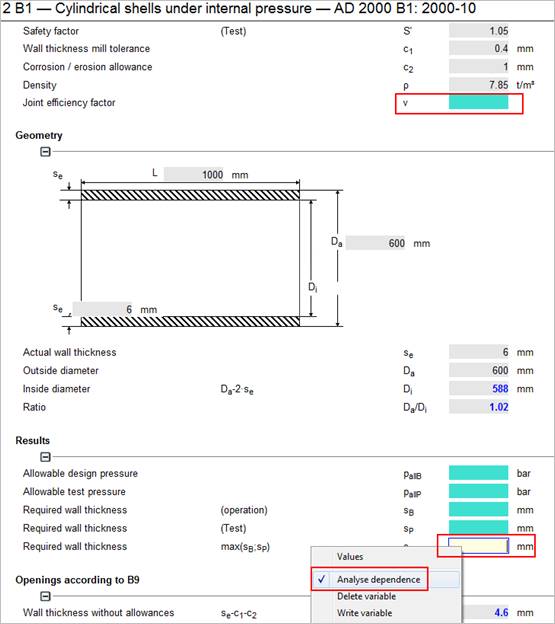
Turquoise: Influencing variables
Orange: Depending variables
Yellow: Analysed variable
In this case just enter the joint efficiency factor. Then the missing data can be calculated.
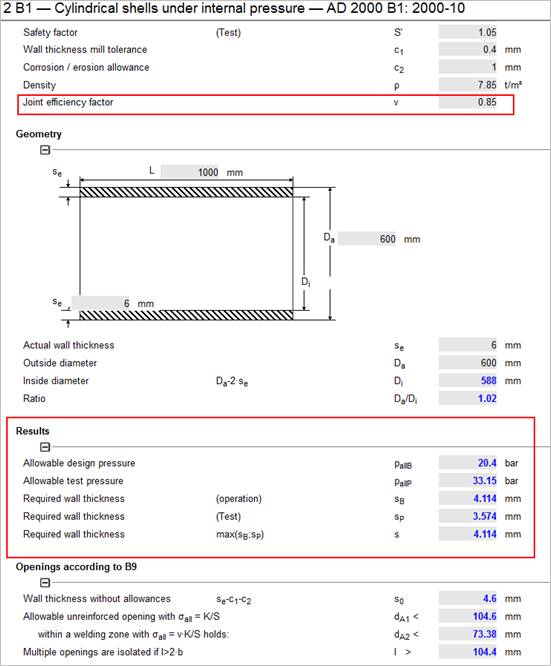
As you know, after input of data the missing values are calculated.
For example, enter the required wall thickness sB with a fixed value of 5 mm. The program is able to calculate back to another value
|
Select "Outside diameter Da" to calculate the possible "Outside diameter Da" for the given "Required wall thickness (operation) sB". The previous input value for "Outside diameter Da" is overwritten by the calculated value. |
|
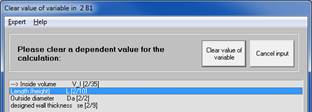
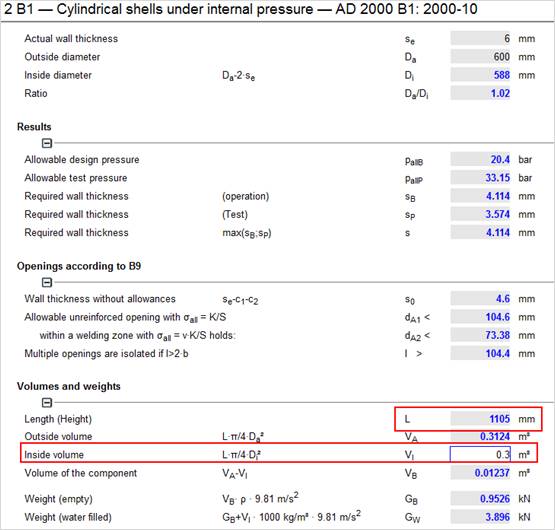
With the option "Parameter study" in the "Atlas" menu you can determine the effects of one resp. two values on a third value. In this example a 3-dimensional parameter study is done. Find detailed information in the ATLAS manual.
Now, you got to know how to work with a single module. All the modules of the program system ATLAS are similar in usage and they offer nearly similar options. Often, it is not possible to solve a problem by one module only.
Then, several modules interchanging information among each other are necessary for solution. For the field of strength this could be represented by the following example:
Start the strength calculation program, select the module B1 and do a stress calculation for a cylinder.
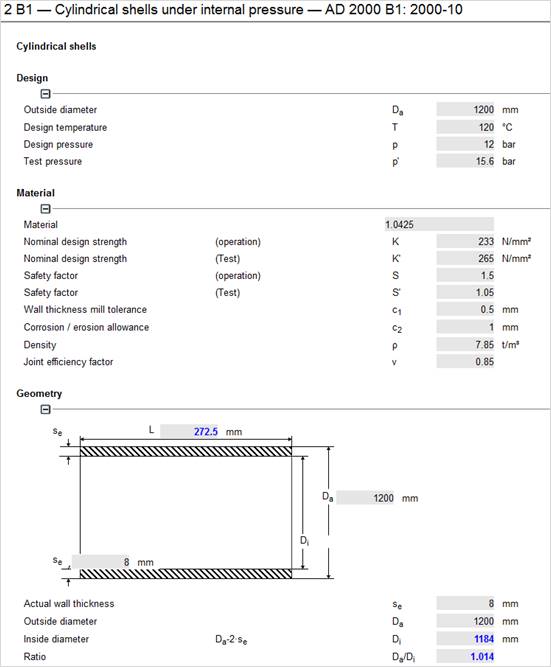
In this cylinder,
there is a nozzle with an outside diameter of 114.3
mm. This opening has to be defined
with AD B9. Select a new module in the project overview.
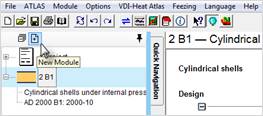
Select module B9 –Single openings in cylindrical, conical or spherical shells.
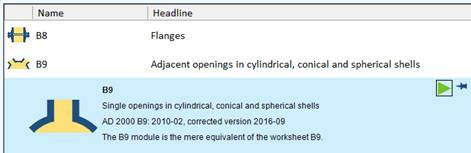
The module AD B9 is activated. Now drag the B1 module symbol from the project overview into the B9 input mask by holding the left mouse button
For this example, select "Single set-through nozzle".
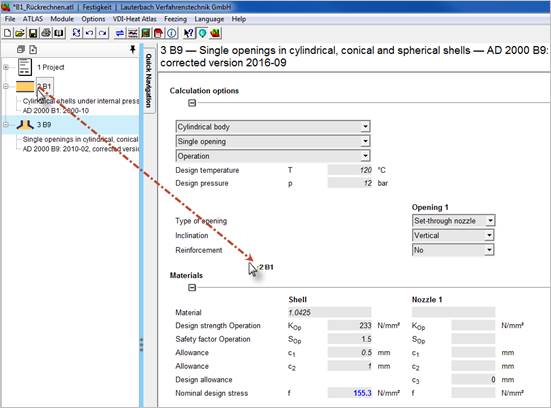
All the relevant values are transferred from module B1. These values are linked with each other from now on. Linked variables are displayed in italics.
When you modify one of these linked variables it has effect on the linked modules and therefore they are re-calculated.
Complete the input for the nozzle.