Calculation of pressure drop
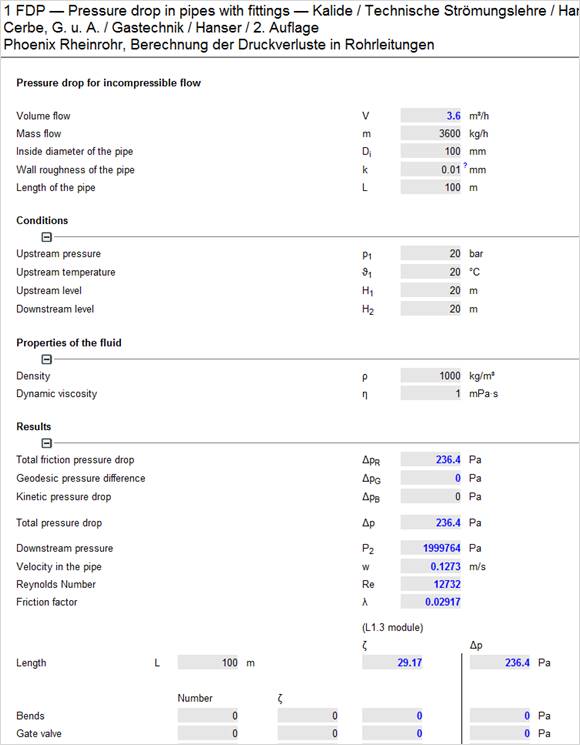
Start the FDP module and enter your values
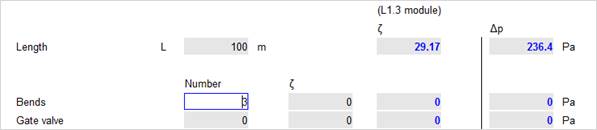
At the input of number of bends replace the „0“ by the actual number of bends.
The program now switches automatically to the LAC module (friction factors)
There you can chose from several different forms of bends.
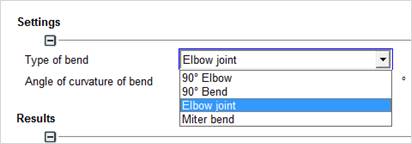
Complete your input by adding the bend radius or bend angle.
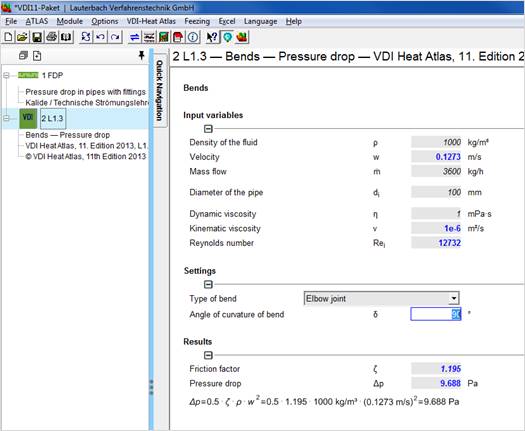
The pressure drop is calculated and transferred to the FDP module.
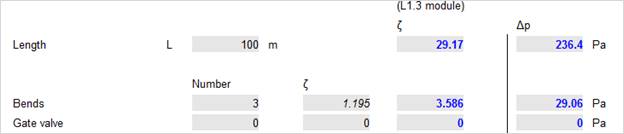
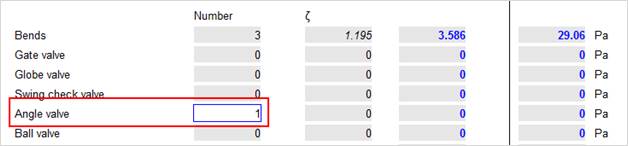
Now select an angle valve, for example:
Highlight the according friction factor and confirm with OK.
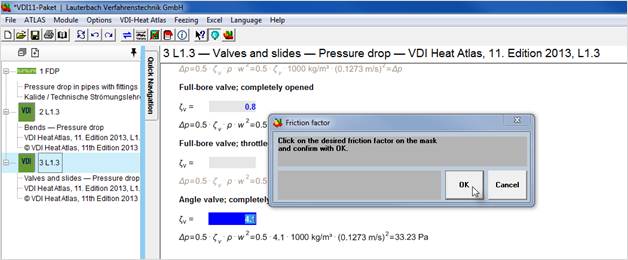
The program now switches back to the pressure drop module. The values of the FDP and the LAC module are now dynamically connected.
A change of the pipe diameter in the FDP module causes an immediate new calculation of the friction factor.
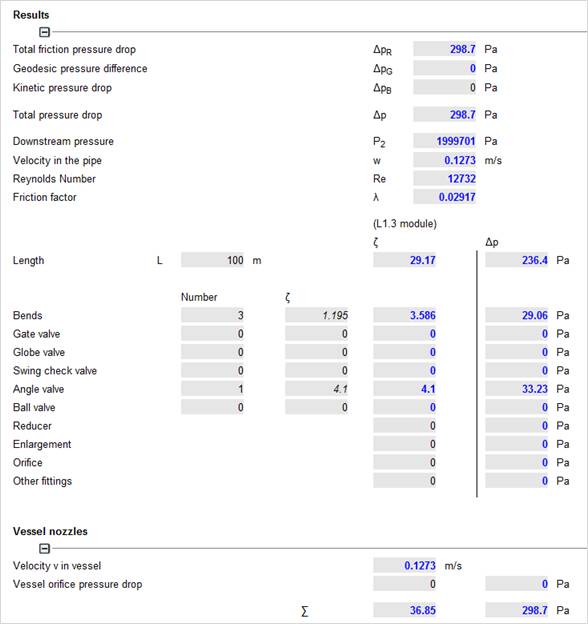
Do the same with all other desired fittings.
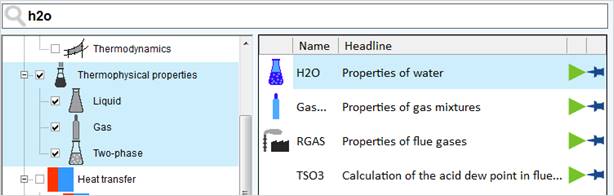
Start with your inputs in the FDP module. The properties ‘Density’ and ‘Dynamic viscosity’ shall be imported from the steam table (H2O module).
Switch to the properties module H2O using the menu item 'Atlas' and 'chapter'.
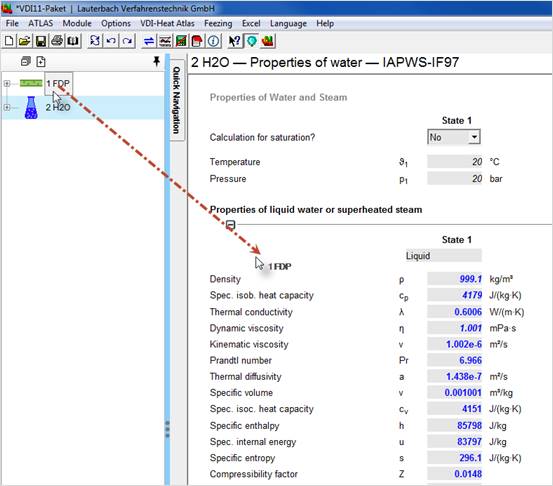
Connect the modules FDP and H2O by Drag&Drop. Pressure and temperature from the FDP module are transferred to the H2O module and the values are linked. Drag the FDP symbol from the project explorer into the input mask of the H2O module. The module determines the physical properties of water at the according pressure and temperature
Now switch back to the FDP module and link both modules (see Atlas manual 'Drag&Drop')
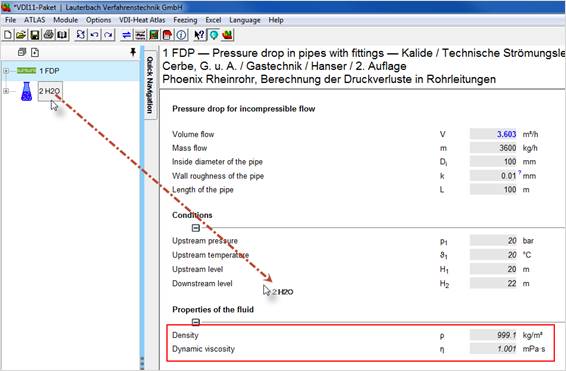
The properties of water are now linked to the FDP module and are changed dynamically with every according change in the input.
Input in any desired unit:
With the "shift" key and "arrow up" key on the value you can make your input in any desired unit.
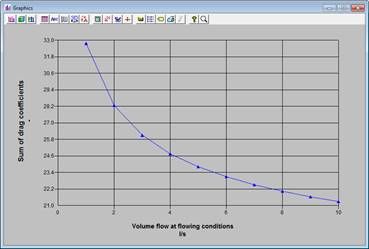
Creating a performance curve:
You may create a performance curve with the option 'parameter study'.
Let your volume flow or mass flow vary between the desired limits. Then let the program calculate the according pressure drop.
A graphical documentation is possible.