Operating the Program
After having started the ATLAS system, select TKL and execute it by a mouse double-click.

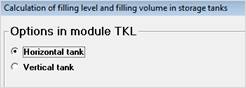
Decide for a horizontal or vertical tank.
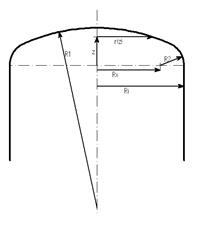
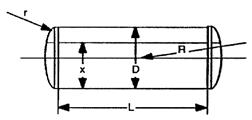
Enter all known data into the input mask.
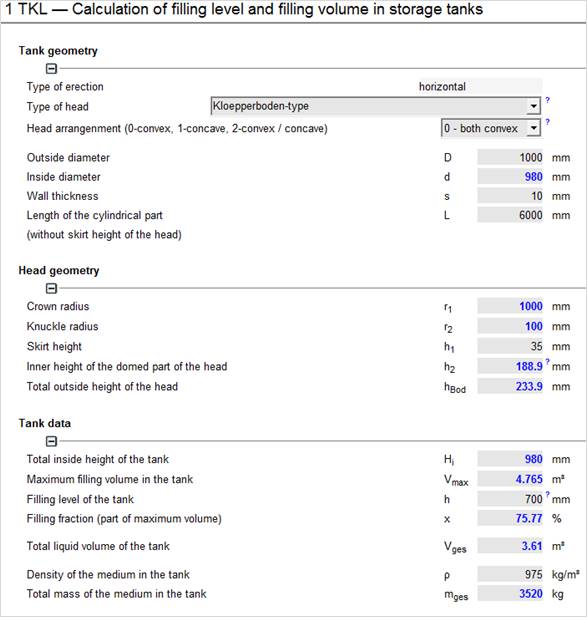
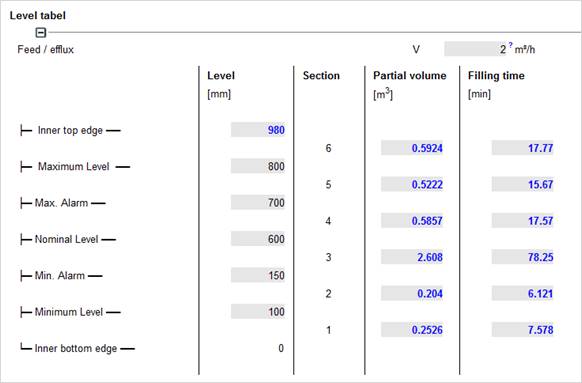
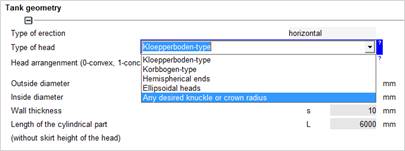
Type of head
Head arrangement
For vertical tanks, you cannot specify anything here. The program always assumes convex heads for vertical tanks.
As soon as you have confirmed your input with <Enter> or when you leave the input field, all values are recalculated and updated.
First, enter a reasonable filling level between 0 and total inside height of the vessel.
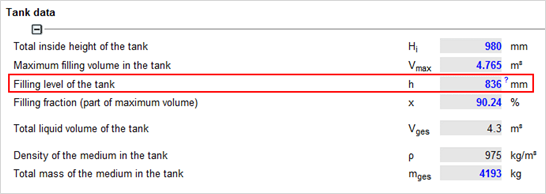
Then enter the desired total liquid volume and specify the filling level as being calculated:
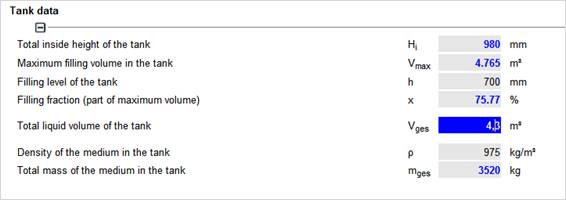
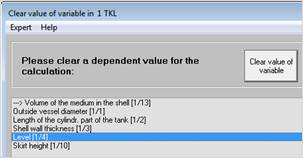
The filling level is now calculated!
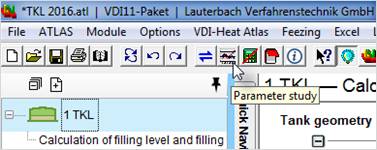
First enter all input data as described in „General input“ to create a bearing graphic for your storage tank. Then perform a parametric study.
Enter values from the lowest filing level to the highest filling level and select the volume as target value:
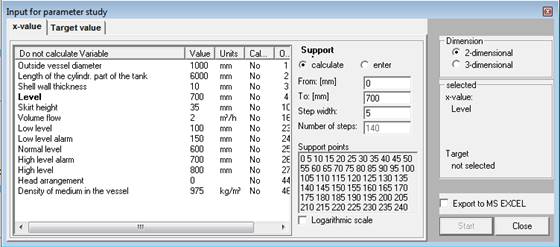
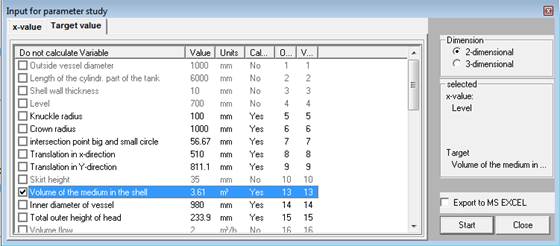
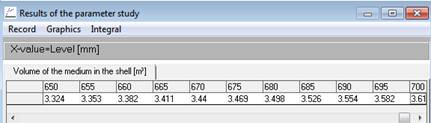
Click on Start and you will receive a table with the calculated results. If you have MS EXCEL installed, simply select ‘Export to MS EXCEL’ and you will get a filed in EXCEL sheet with the results.
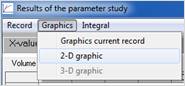
Select Graphics / 2-D graphic and you will get a bearing graphics immediately.
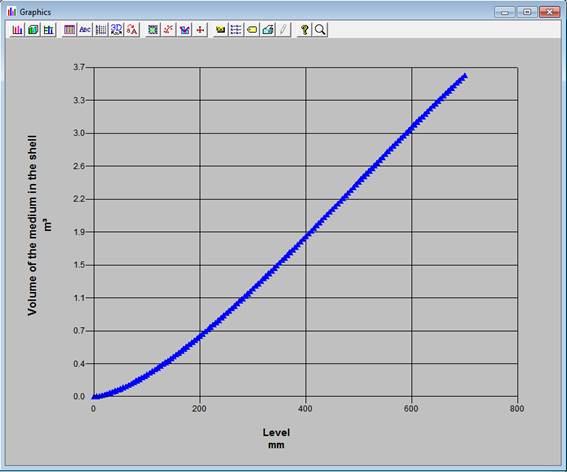
The bearing graphics from Creating a bearing graphic in the ATLAS system does only allow an estimation of the filling volume. To receive a more exact bearing chart, export the values to EXCEL
|
|
You get a value table that you can edit according to your requirements.
|
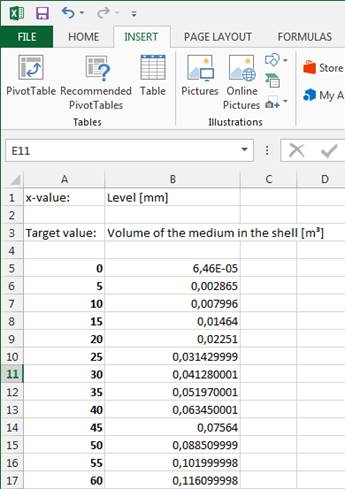
This values you can also use to create a curve for a fast evaluation with a dipstick. (s. Creating a bearing graphics in MS EXCEL)
Highlight the fields with the values and select “Insert Charts”.
Use Scatter Charts – Line.
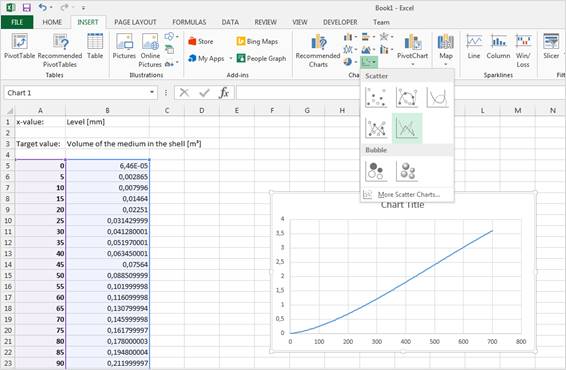
You may then edit the table to meet your requirements:
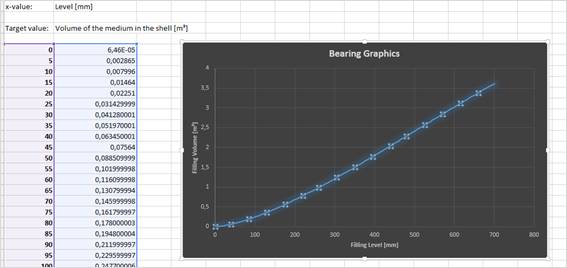
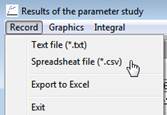
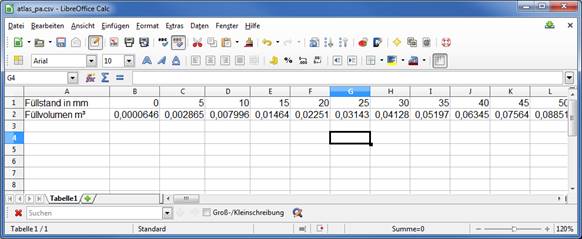
If you are not using EXCEL but another spreadsheet program (e.g. Open Office, Libre Office), you may as well use the data from the TKL calculation. :
Save the results as CSV data file.
|
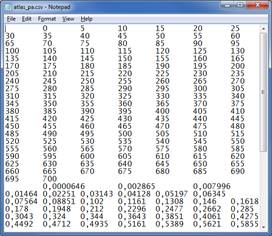
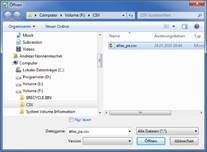
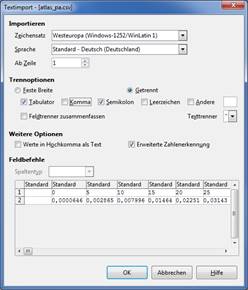
You get a text file, which you can import in your spreadsheet program.
|
|
|
|
|