Connect modules
All the modules of the program system ATLAS are similar in usage and they offer nearly similar options. Often, it is not possible to solve a problem by one module only. Then several modules interchanging information among each other are necessary for solution. To calculate a cylindrical shell with a nozzle, start the strength calculation program and perform a calculation with the ER07 module as described in the previous chapter:
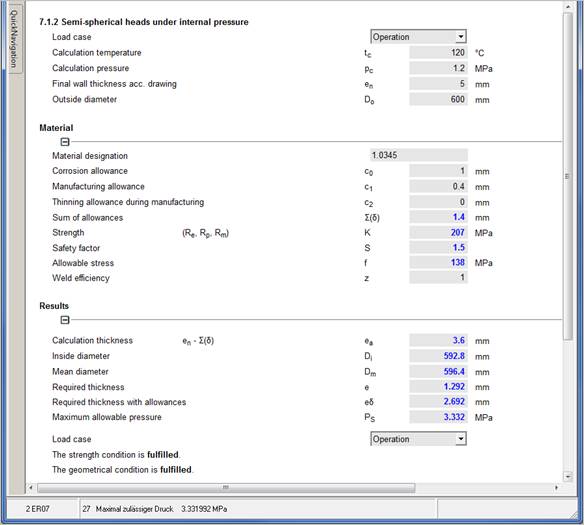
For this head we want to design a
cylindrical shell. This shell has to be designed acc. EN07 (EN 13445-3
chapter 7).
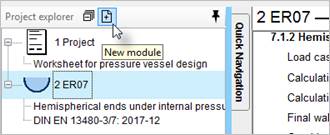
Select a new module from the project explorer.
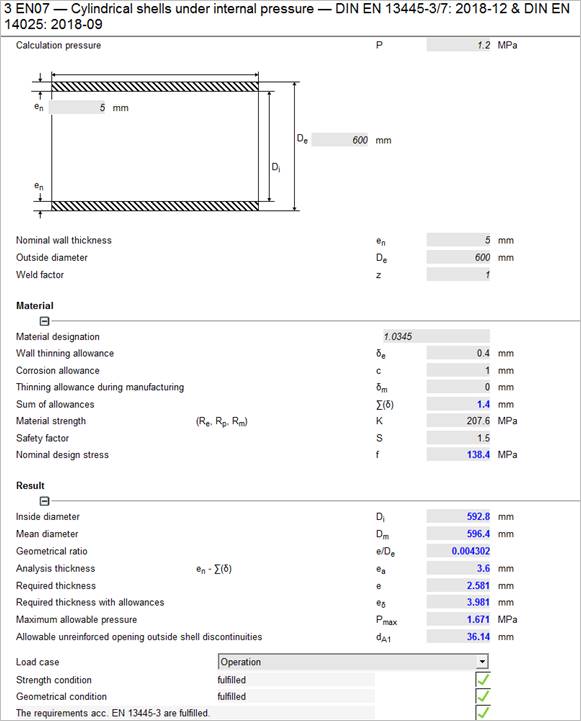
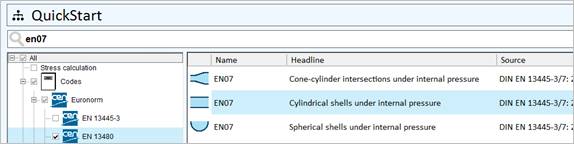
Select ’EN07 – Cylindrical shells under internal pressure’:
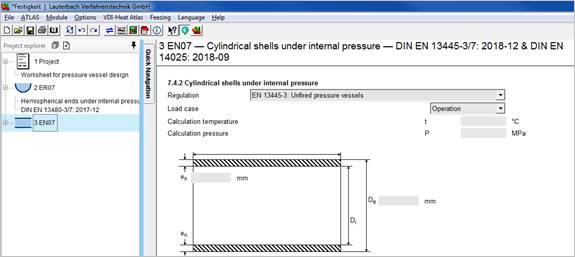
Drag the ER07 symbol from the project overview into the mask of EN07. All relevant values are now transferred from the EN07 module. These values are now connected to each other.
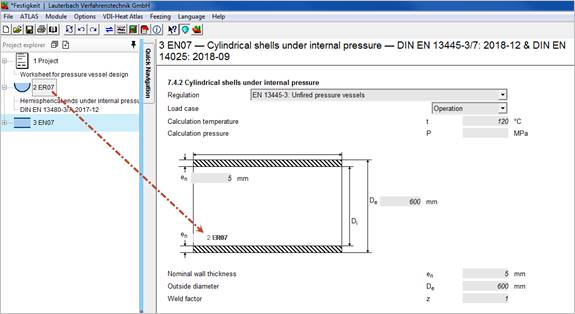
All values of the head in ER07 are now linked to the values of the EN07 module and are displayed in italics on the mask.
A change of these connected variables in a module causes a change in the connected modules and their recalculation.
Complete missing values.