Connect modules
All modules of the ATLAS program system are compliant in handling and have the same basic functions. However, often a calculation cannot be performed with a single module. For example, to calculate a cylindrical base body with a nozzle, start the strength program and perform a calculation with module EN07, as already shown:
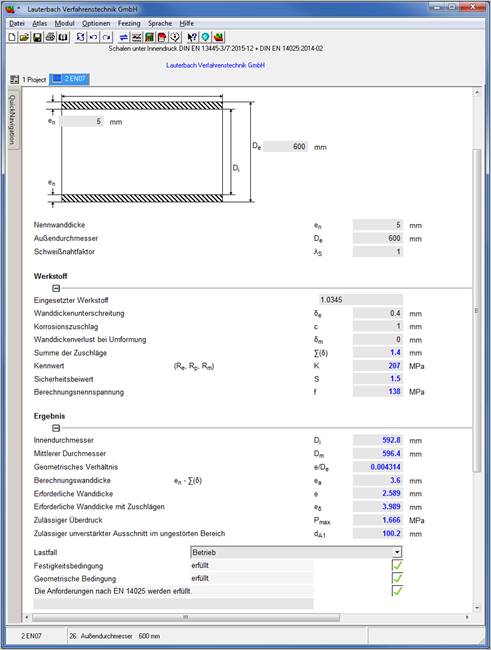
In this cylinder there is a nozzle with an outer diameter of 60 mm.
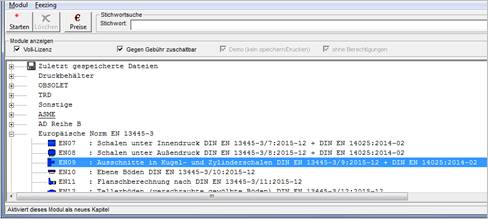
This section must be verified according to EN09. Select menu Atlas / option Chapter and
in the selection mask EN09.
|
The input mask for EN09 appears.
Select 'Single clippings'.
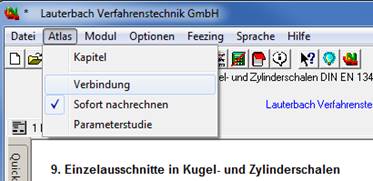
In the Atlas menu, activate the Connection option.
|
|
|
|
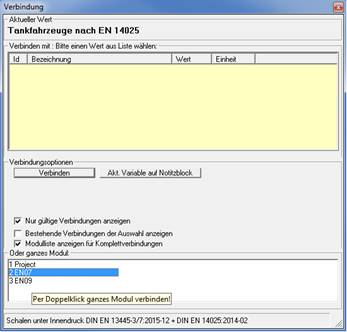
In the connection form select
'Show module list for complete connections'
and double click on EN07
|
|
|
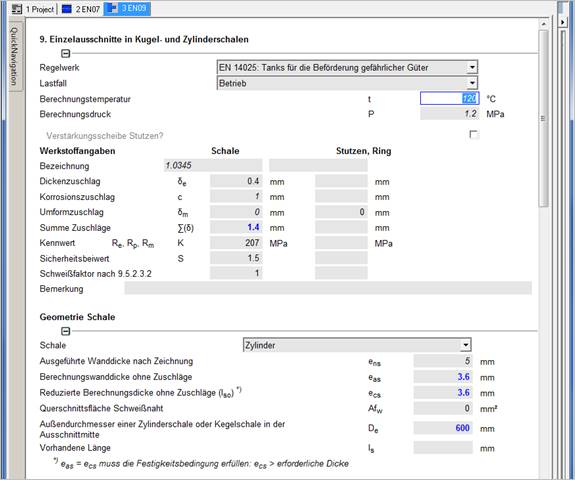
All values of the basic body EN07 are then connected with the values of module EN09 and are displayed in the mask in italics.
A change of these connected variables in one module causes a change in the connected modules and their recalculation.
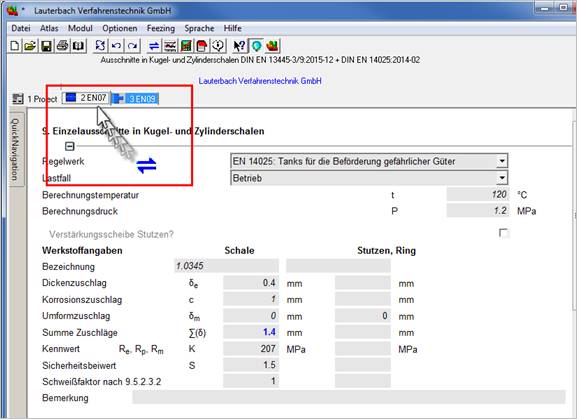
Entire modules can be connected by
"drag and drop". Drag the tab of the EN07 module with pressed left
mouse button to the input mask of the EN09 module. The connection symbol is
displayed ( ) and both modules are
connected.
) and both modules are
connected.