Installing the program
The program is executable under Windows XP / WindowsVista / Windows 7 (32bit/64bit)
To install GOOD VIBRATIONS, run the setup program supplied on the CD.
1. Insert the GOOD VIBRATIONS installation CD-ROM (version 2.9) into the CD drive.
2. Select Run from the Start menu and type
"d:\setup".
(Use the drive letter for your CD drive).
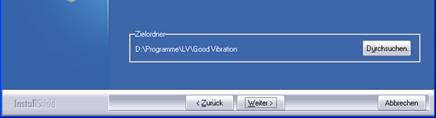
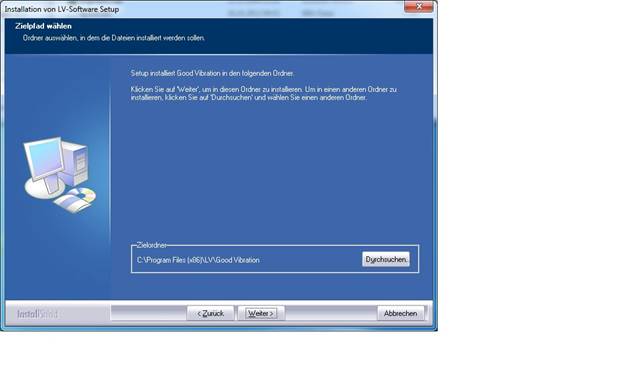
3. The GOOD VIBRATIONS program is installed by default in the C:\Programs\LV\Good Vibration\ directory.
The default setting of the directory can be changed.
4. Follow the further instructions of the installation program.