Scenario Manager
The scenario manager lets you create many different variants of an exchanger quite easily. Different variants may mean that you can calculate complete product ranges of an exchanger with different shell diameters, tube diameters, tube pitches, tube passes, etc. or that you can simulate different load cases (variation of mass flows, temperatures, performance, etc.) for one specific heat exchanger.
The big advantage of the scenario manager is that all input data for the different scenarios are summarized in one Excel sheet and that these data are transferred to the program automatically. This is extremely time-saving as you can perform any number of calculations at a time.
The LV program calculates the scenarios one after the other without any additionally required inputs and transfers the results to EXCEL. This makes an evaluation of the different calculation results very easy.
Thermal oil shall be heated by flue gas. The exchanger has been designed and calculated and the ATL file has been saved.
We want to examine three load cases:
· Design case (normal)
· Low volume flow (Min) and
· High volume flow (Max).
The actual thermal performance shall be determined and we want to proof that the film temperature does not exceed 360°C.
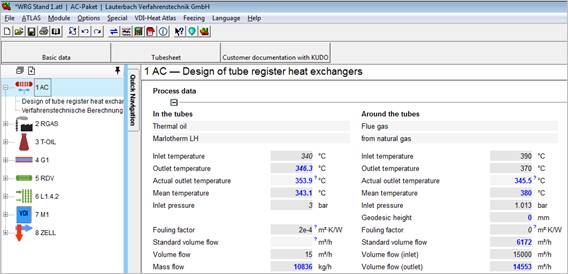
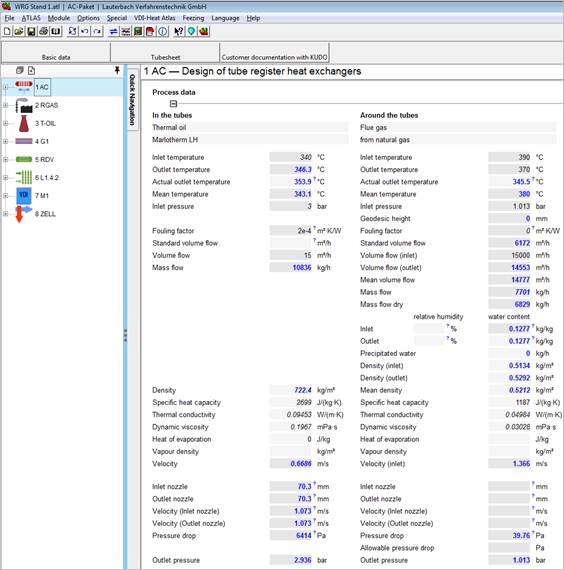
Start the AC program and enter your values or load an existing ATL file.
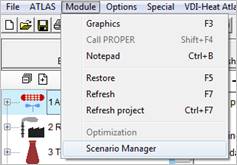
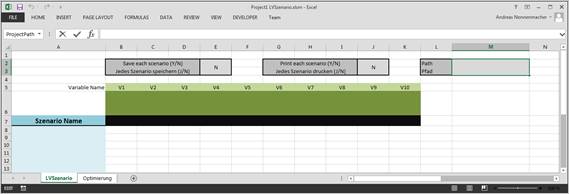
Open the Scenario Template (LVSzenario.xltx) in the program directory by selecting “Module-ScenarioManager“ or open an already prepared EXCEL file.
|
Name the scenario |
Name the variable |
|
|
|
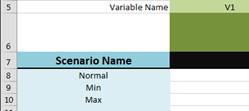
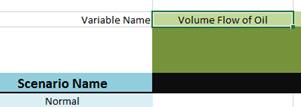
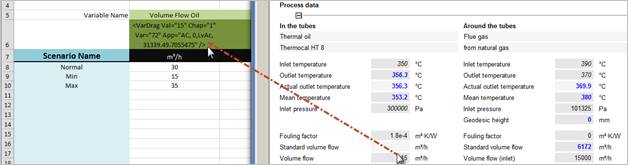
The variable information is transferred by Drag&Drop. Move the variable from the LV program to the cell in the Excel sheet with right mouse button held down.
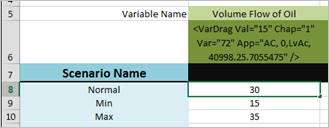
Enter the value for this variable:
Enter the desired output unit for this variable. The unit of the input mask is used automatically if you leave this field blank.
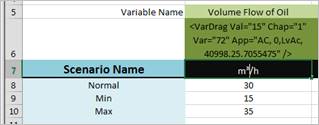
Proceed with all variables you want to vary and create as many scenarios as you want. Save the file in EXCEL format with macros (.xlsm).
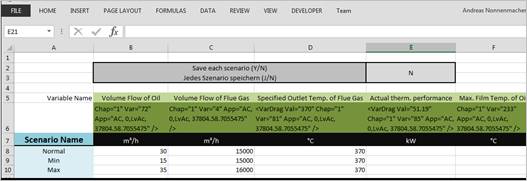
Start the Scenario Manage in the “Module” menu.
The calculation is performed with an assumed flue gas outlet temperature of 370°C. Data are written into the EXCEL sheet and the units are completed.
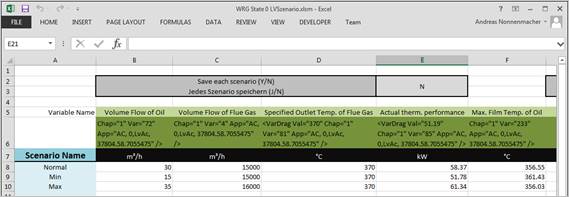
To determine the actual operating point the specified outlet temperature must be equal to the actual outlet temperature. Therefore we drag the ‘actual outlet temperature’ into the EXCEL sheet as well as the ‘oversize’ as a check.
In Excel we equal the specified flue gas temperature to the actual outlet temperature in all scenarios.

Select ‘Module-ScenarioManager’ and calculate several times until the oversize is almost 0.

The maximum film temperature exceeds the demanded 360 °C.
Increase the number of tube side passes from 8 to 16.
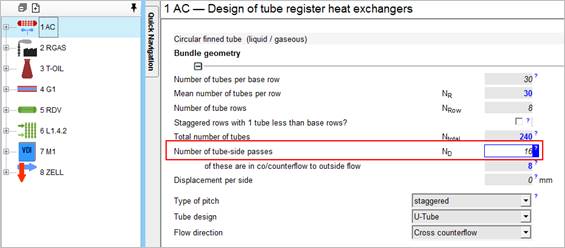
After you have performed the calculation several times again, the maximum film temperature of the oil is below the limit of 360 °C.
