Data input
|
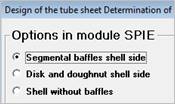
If you want to specify the tubesheet manually with all its details, please follow the instructions below: Start the SPIE module after clicking ‚ATLAS’ / ‘Chapter’. The following mask appears: |
|
|
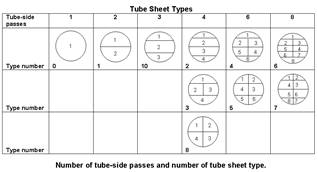
After selecting the desired option and confirming with OK, you will get to the input/output mask of SPIE. Now enter the geometrical data of your shell-and-tube heat exchanger. During the course of your inputs you have to choose if the tubesheet data has to be generated with the design method or with the rating method. Furthermore you are asked to specify the number of tube-side passes and the type of tube sheet layout. The figure with the different tubesheet types can be shown by pressing the F3 key while the field is active. Enter the type number into the field ‘bundle type’ in the SPIE input mask. |
|
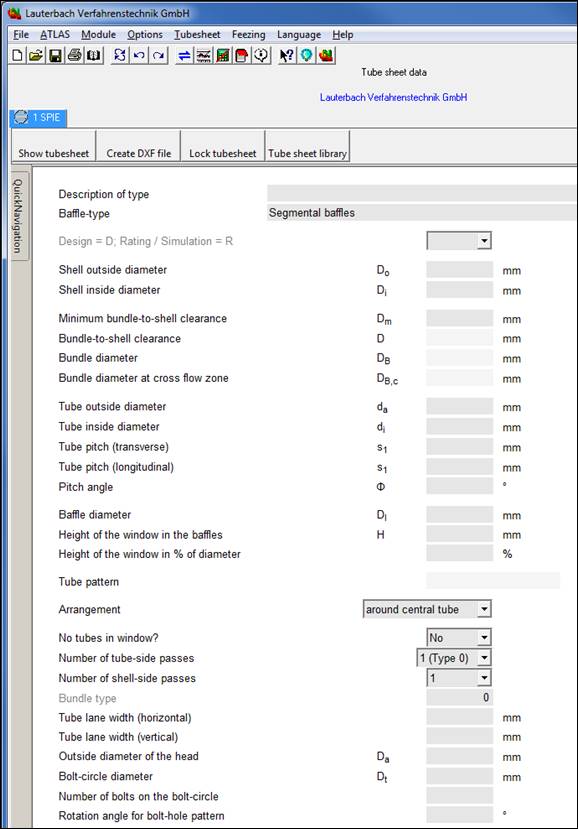
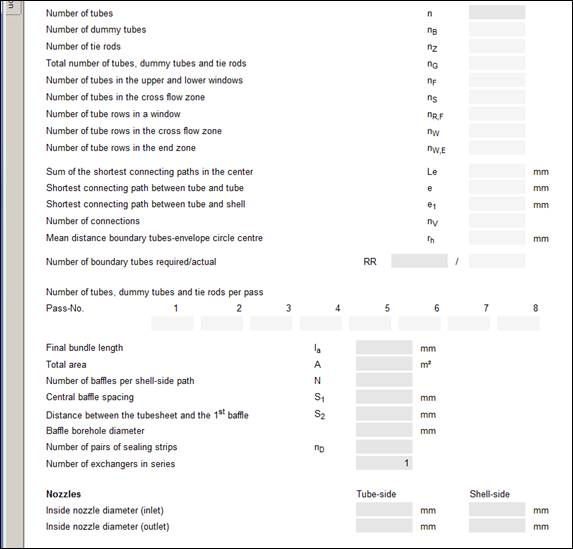
SPIE mask
If you want the program to generate a tubesheet, you first have to calculate the heat exchanger with your basic program module (WTS, KOND, and VERD). Then open the SPIE module, which has already been loaded, by clicking the tab. In the input mask of SPIE the values of this heat exchanger are already available. You can now change these values and carry them over to the tubesheet library. The menu item ´Lock tubesheet´ switches an option (´tick´) on or off. If the option ´Lock tubesheet´ is set, the program does not change the tubesheet further. Even in case some equations might be over-determined the values of the tubesheet will not be changed.
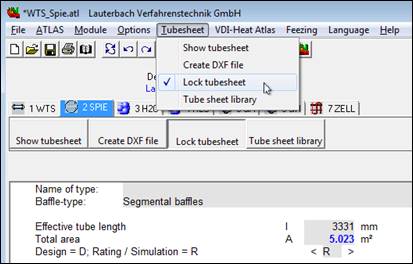
´Tubesheet´ menu