Example: Calculation of an injection with fixed quantity
Start with a new file ("File" menu – "New"). Specify an inlet, two nozzles and a free outlet as overflow at first. Select the required gussets by mouse-click:
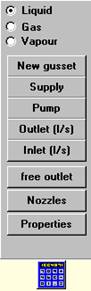
For the gussets the parameters for inlet and nozzles have to be entered:
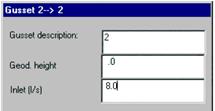
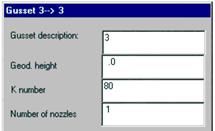
Now the input mask looks as follows:
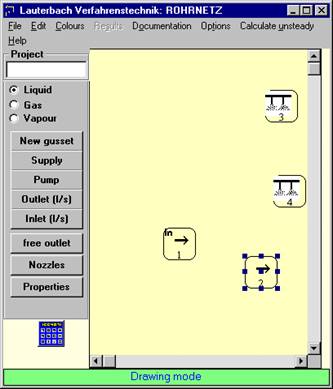
Click the centres of the gussets with the mouse and drag the pipe run with pressed left mouse key to the target gusset.
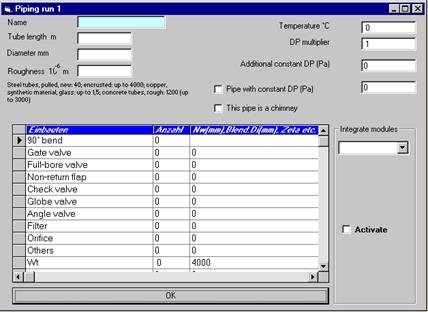
After dropping the mouse key the input mask for the pipe run appears for input of tube length, diameter and pipe roughness:
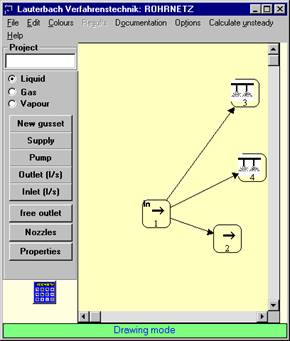
After connecting the gussets the basic mask looks as follows:
Click "Calculate" in the "Edit" menu or click the "Calculate" icon at the bottom of the symbol bar.
The results are displayed in the mask:
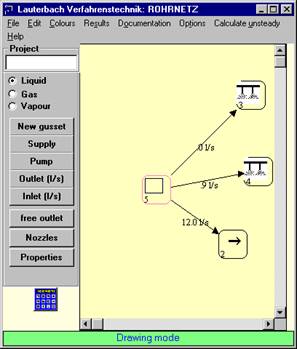
Further variables can be viewed in the "Results" menu or in the pipe list which can be saved (in file) or printed.